Getting started
Using FMAX
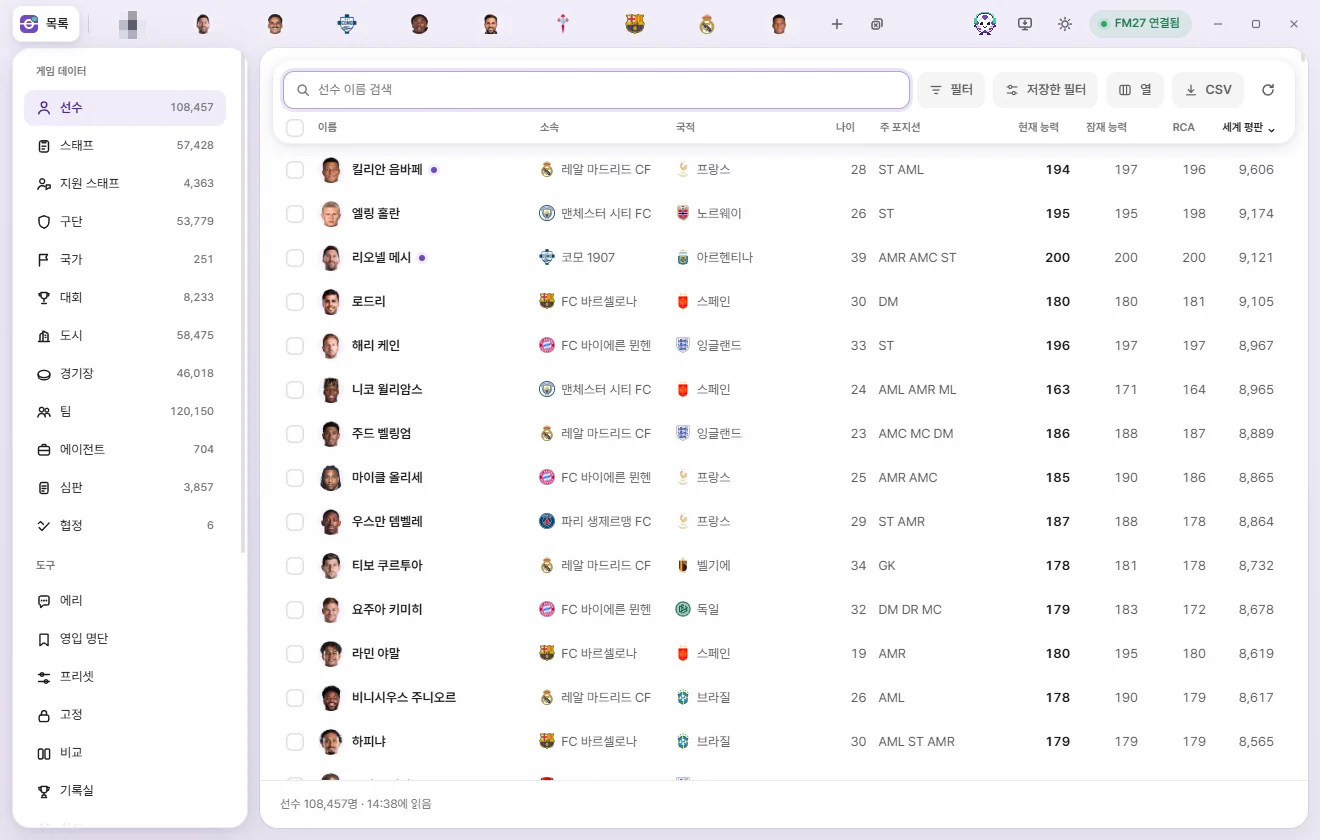
FMAX lets you edit player, club, and competition values live while FM27 is running. This wiki covers everything from initial setup to every screen in the app.
New to FMAX?
If this is your first time using FMAX, follow the two pages below in order. You'll go from installing the app to saving your first edit in about 10 minutes.
Getting startedInstall FMAX, connect to FM27, and save your first edit.When edits take effectWhat applies right away, what needs saving, and what stays in your save file.
What you can do
Editing playersEdit almost every detail of a player—attributes, positions, contracts, relationships, and languages.Game editor (⚡)Complete transfers and loans, clear injuries, remove unhappiness, terminate contracts, and set homegrown status immediately without advancing a day.Live tweaksRules that keep working while switched on—growth and aging rules, Prevent retirement, preventing manager sackings, and more.EriAsk your AI analyst questions and get transfer targets and to-dos as cards.ShortlistGather players and staff into lists, and import or export them as game shortlist files.Tactic ArenaRun hundreds of simulated matches inside the game with your tactic files and rank them by points to see which is strongest.Official tests & Tactic LabMeasure your tactic under identical conditions in an Official test and upload the results to the Tactic Lab.FAQAdministrator permissions, using FMAX alongside other mods, how long edits stick, and more.